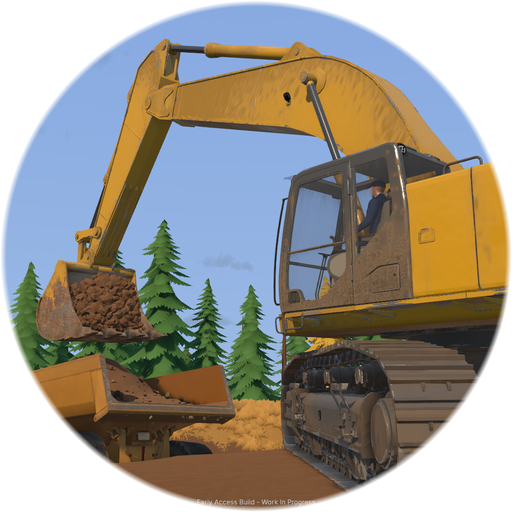
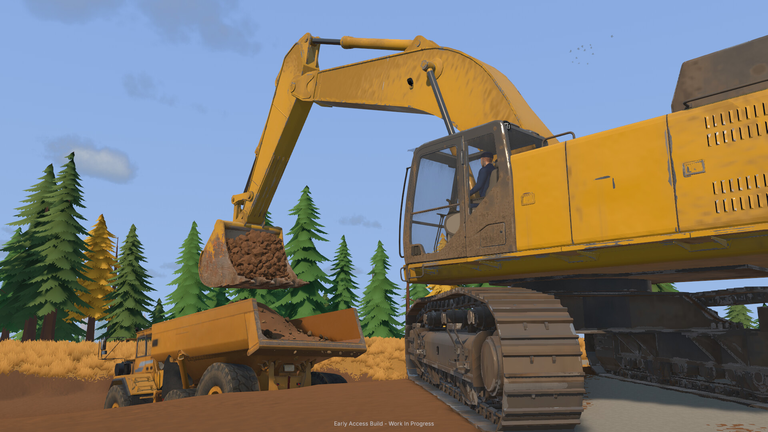
 Official media
Groundwork Simulator Troubleshooting: Fixes & Performance
Crashing, lagging or stuck on the tutorial? Fixes cover system requirements, launch errors, performance tuning, controllers and common Early Access issues.
Soil and water simulation makes Groundwork Simulator heavier than it looks. If the game will not start, stutters with many machines running, or your controller is not detected, work through the guides here: verify the minimum and recommended specs first, then apply the targeted fixes. We separate official guidance from community workarounds and mark anything unverified.
Check Specs First
Most launch problems trace back to hardware below the minimum requirements or outdated GPU drivers.
Fixes & How-Tos
Flooded Claim
Is your claim flooded in Groundwork Simulator? Why pits overflow, how to drain or pump them out and how to prevent water trouble on the next dig site you open.
Read moreOnline Fix Guide
Groundwork Simulator online connection fixes: co-op join errors, invite problems, lag with multiple machines and the checks to run before doing anything else.
Read moreStarter Mining Setup
Build your first Groundwork Simulator mining setup: which machines to buy first, where to start digging and how to arrange a wash plant loop that pays off.
Read more